Alarm Clock Planner Features
Everything the app does, one page per feature: how it works, every option, and what it does not do.
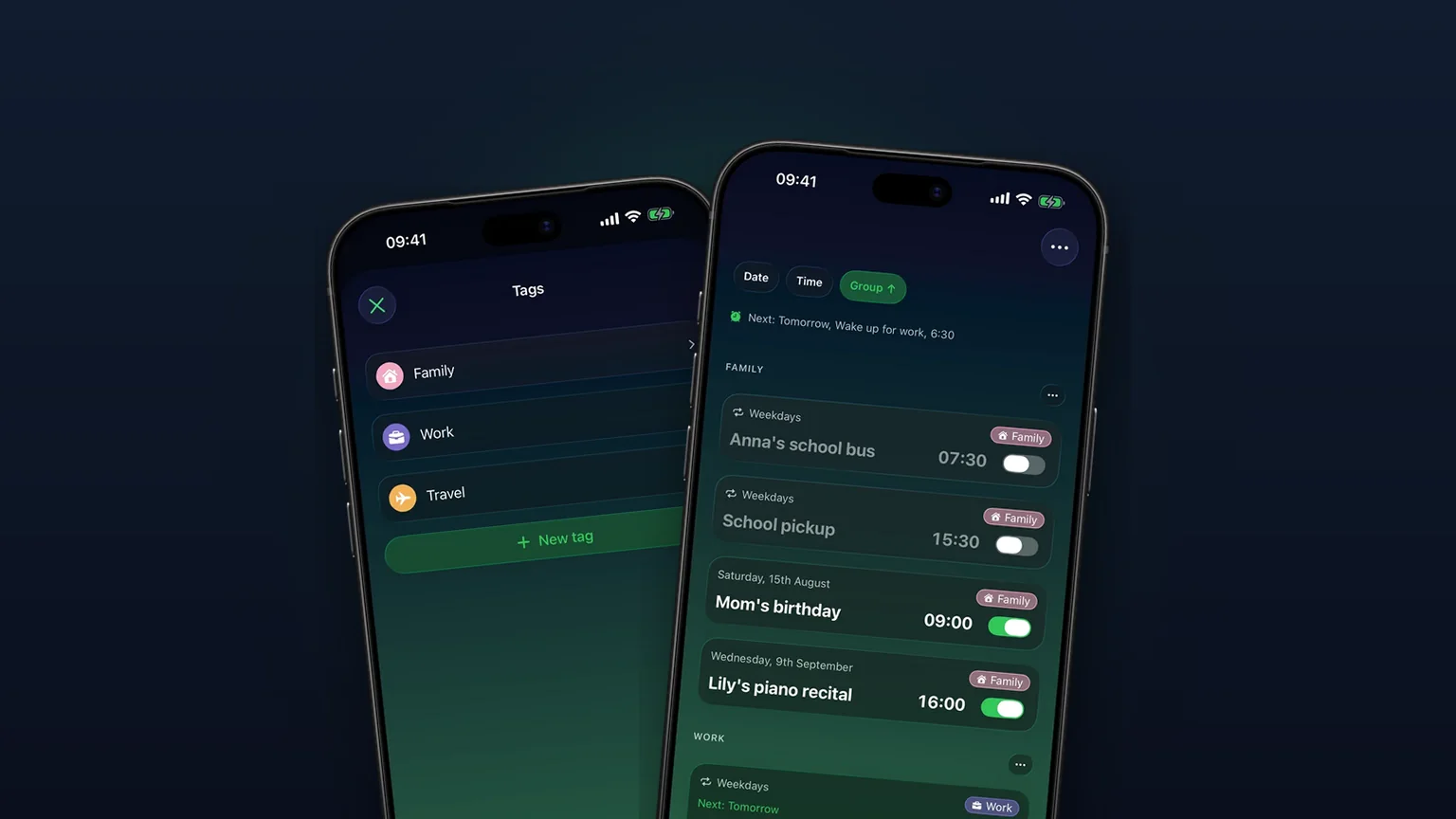
Alarm groups with color-coded tags
Color-coded groups like Work, Family or Travel, each with its own sound and snooze, plus switching and bulk edits for a whole group at once with unlimited access.
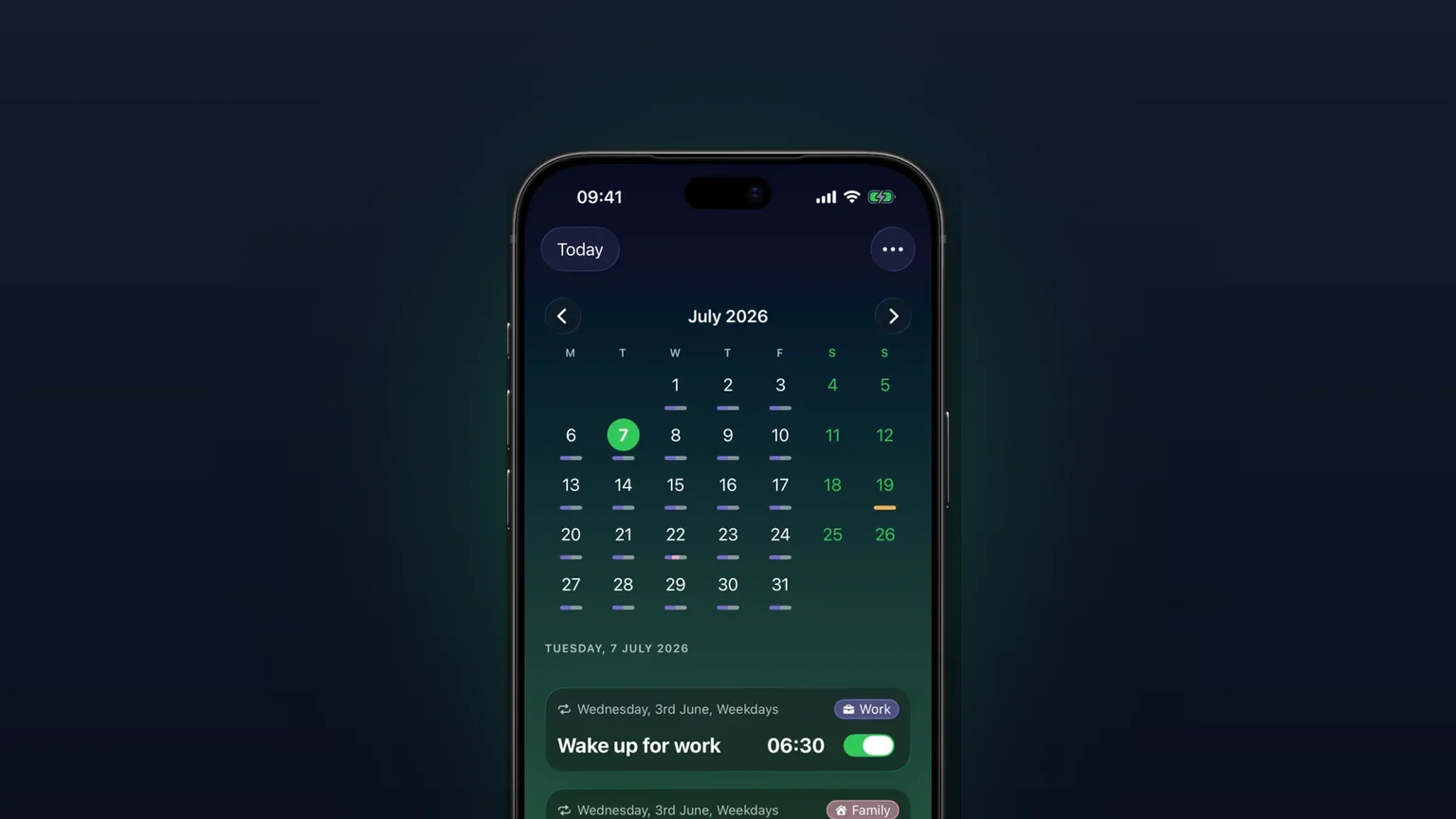
Calendar view of every alarm
Every alarm on a month grid, coloured by tag; tap a day to see, edit or skip what rings that day.

Your own alarm sounds, from any audio file
Import any audio file as an alarm sound, trimmed to 30 seconds, or pick one of 15 built-in tones, per alarm, per group or as your default.
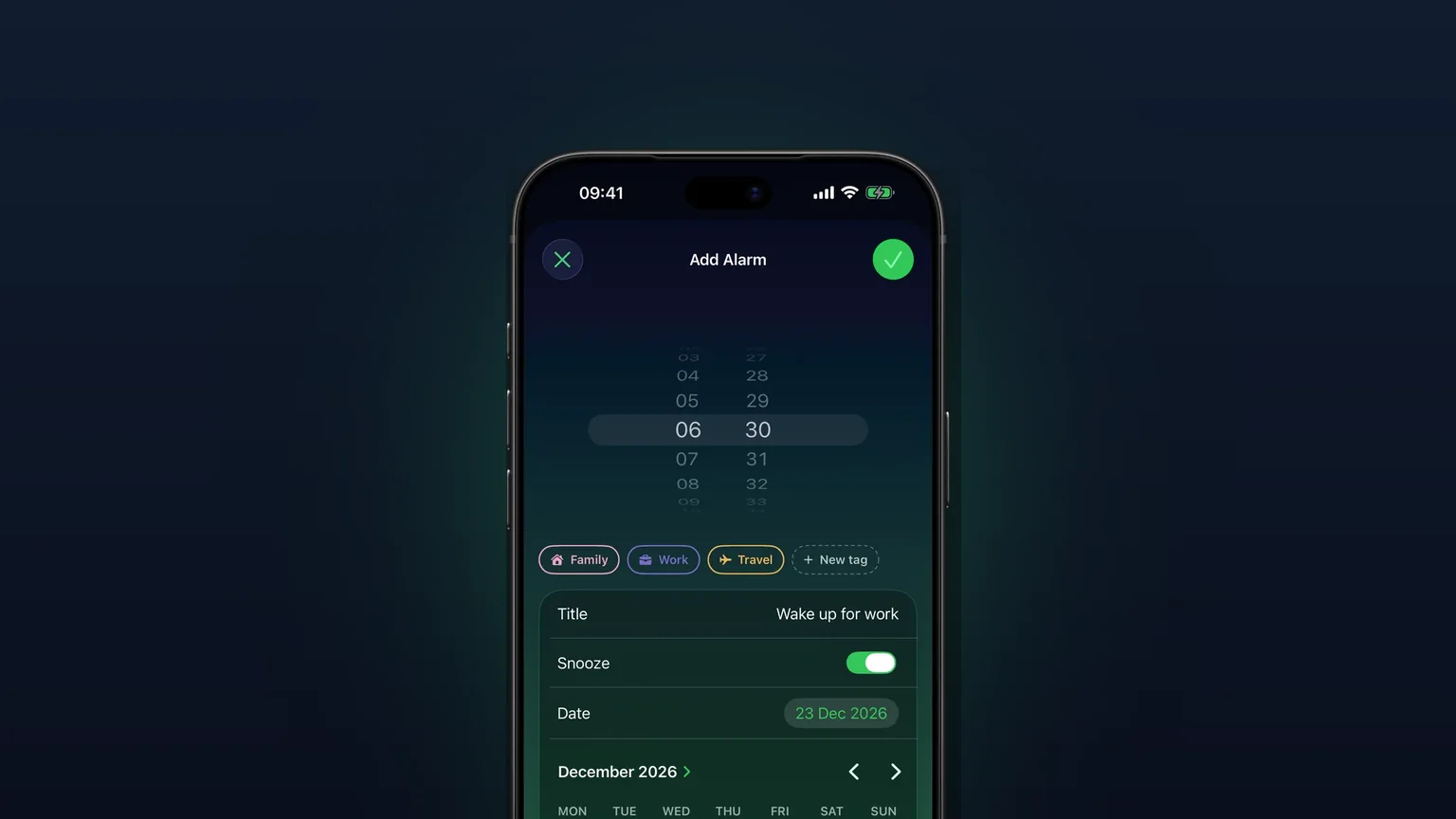
Alarms for any future date
Pick any future day on a calendar; a one-off alarm rings once on that date, then switches itself off.

iCloud backup of your alarms, sounds and settings
Your alarms, tags, imported sounds and settings back up to your own iCloud, and the app offers to restore them on a new iPhone or after a reinstall.

One-tap nap alarms on iPhone
Hold the + button for instant 10, 15, 20 or 30 minute nap alarms, or nap until the next full hour, with no time picker.

Repeating alarms: monthly, yearly, every other week and custom
Monthly, yearly, every other week, weekdays, weekends and custom days, each with a start date and an optional end date.

Alarms that ring on Silent, Do Not Disturb and Focus
Built on Apple's AlarmKit, so every alarm, nap and snooze rings through the Silent switch, Do Not Disturb and Focus.
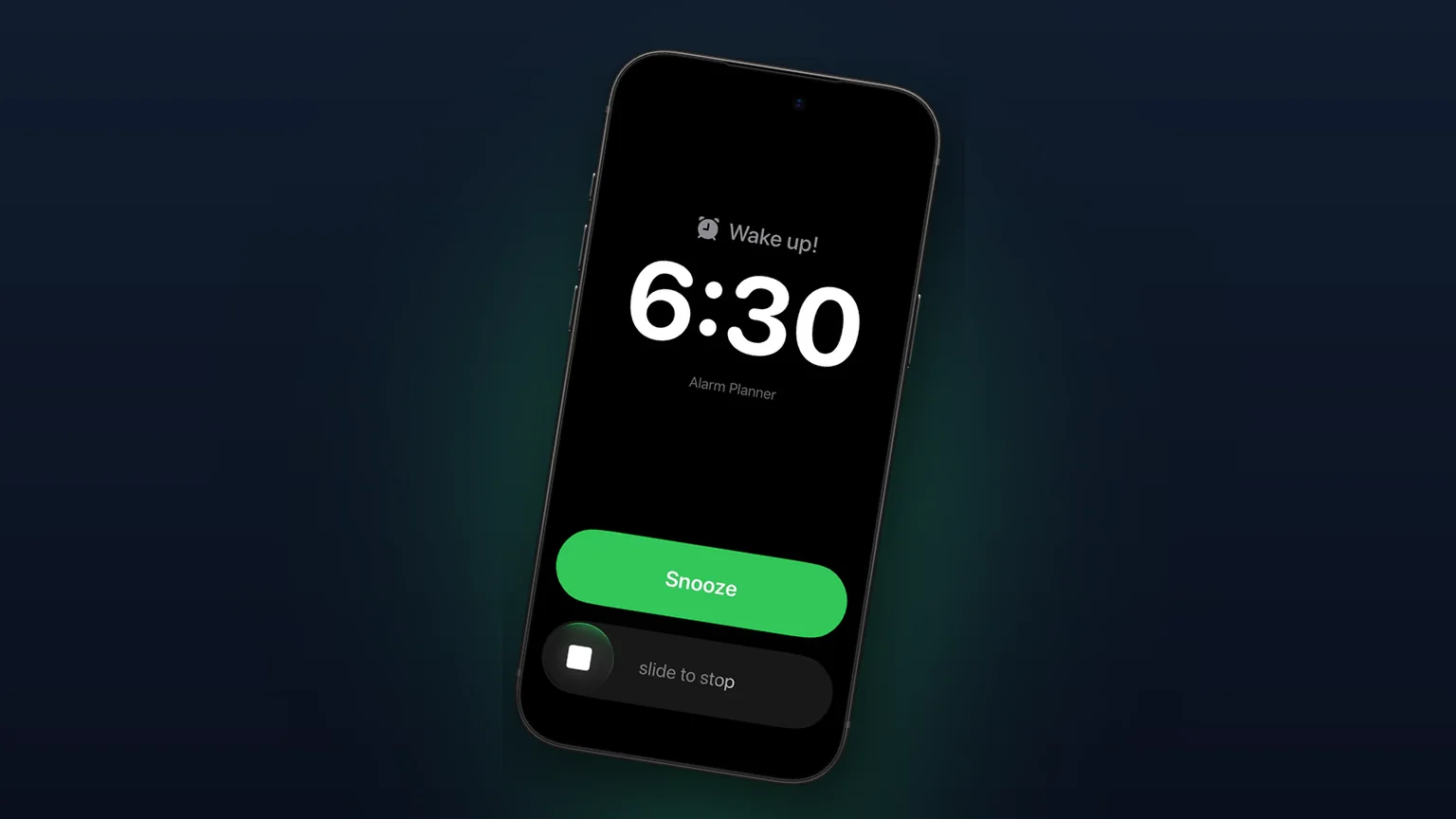
Custom snooze length, limit and tag rules
Choose a snooze length from 1 to 30 minutes, cap the number of snoozes, and set different rules per tag.
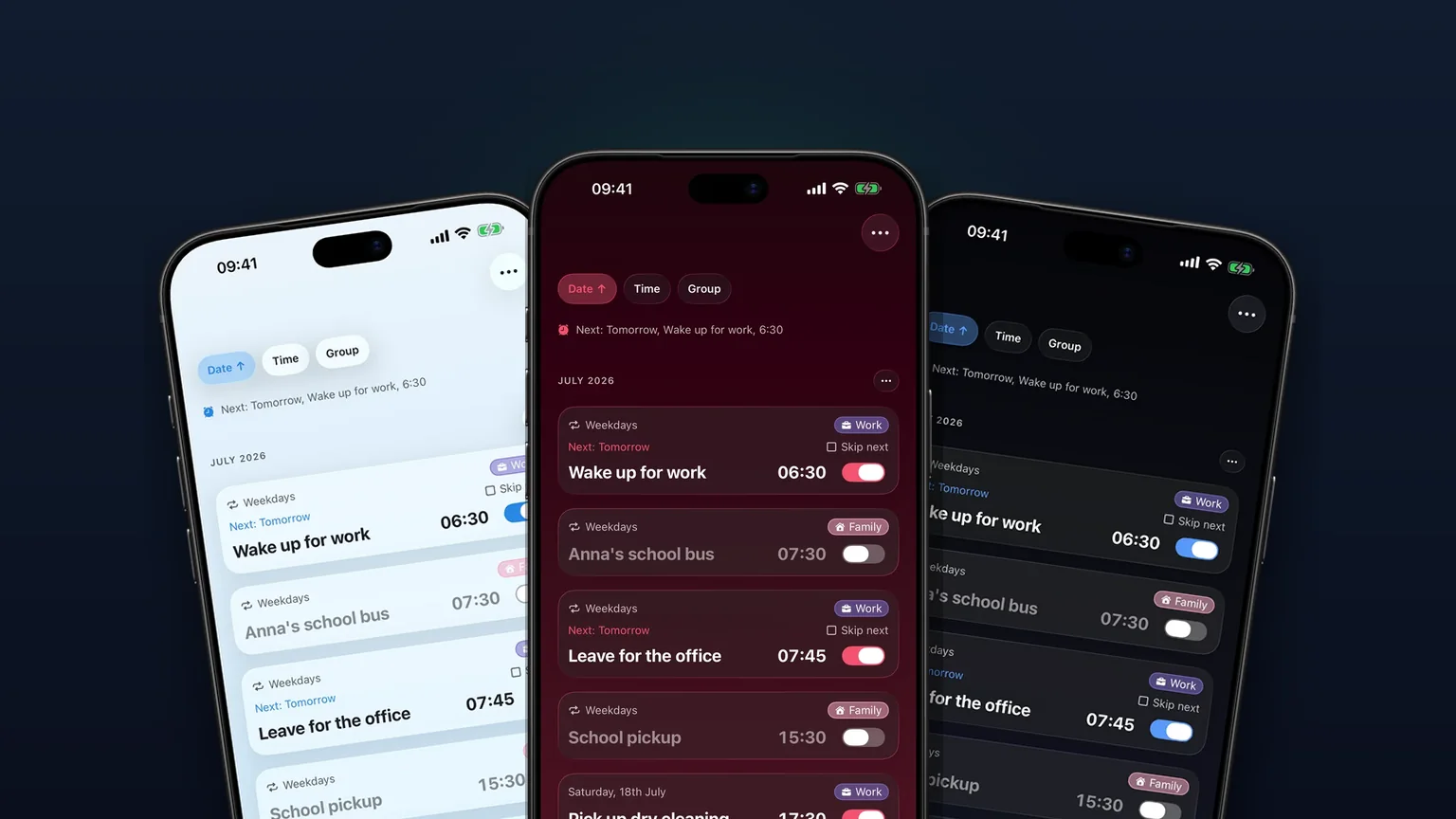
Themes and app icons: 23 looks and 6 home screen icons
Pick from 23 color themes and 6 home screen icons, with a few free and the rest in Premium.

Alarm widgets for the iPhone Home Screen and Lock Screen
A Next Alarm widget for the Home Screen and Lock Screen, with a toggle on the Home Screen tile.
Try every feature on your iPhone
Alarm Clock Planner is free to download. No account needed.

